One source of truth.
Project details, delivery links, dates, and status live together. Spend less time asking where something is.
THE WORKSPACE FOR CREATIVE TEAMS
Projects, versions, feedback, and deadlines. One shared workspace for your team and your clients — from the first brief to the final approval.
For studios, editors, and teams that make things happen.
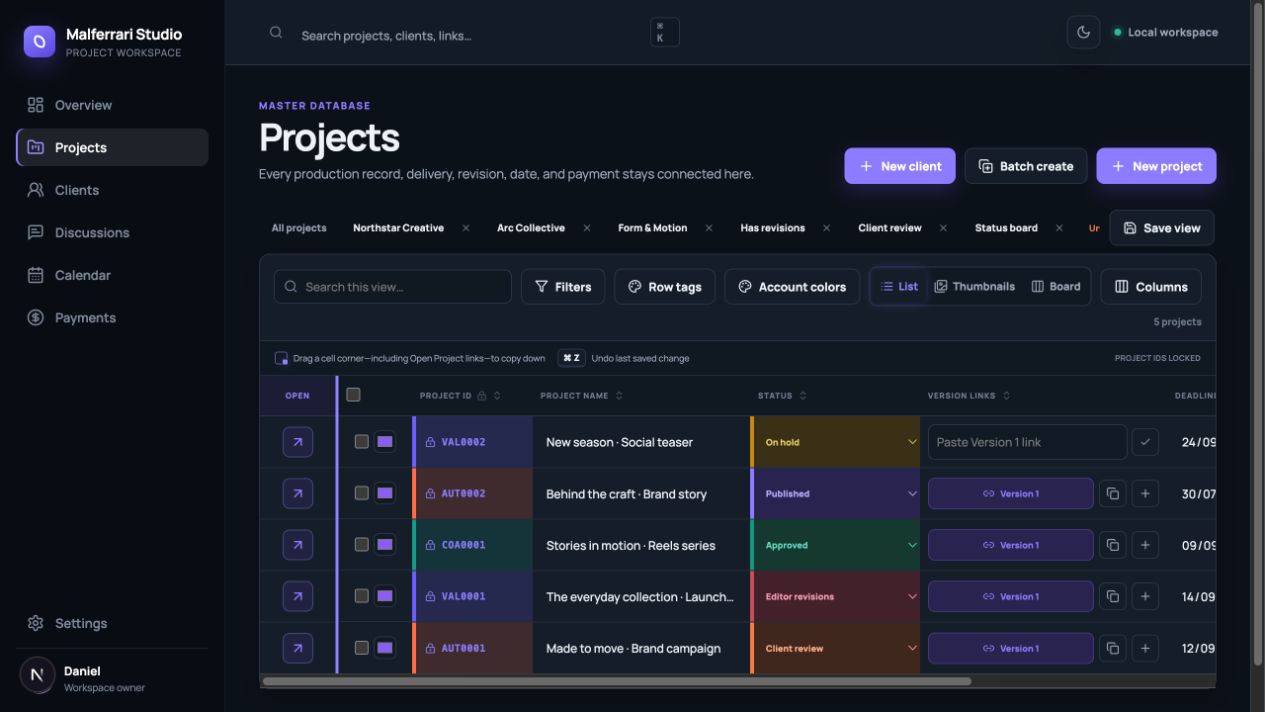
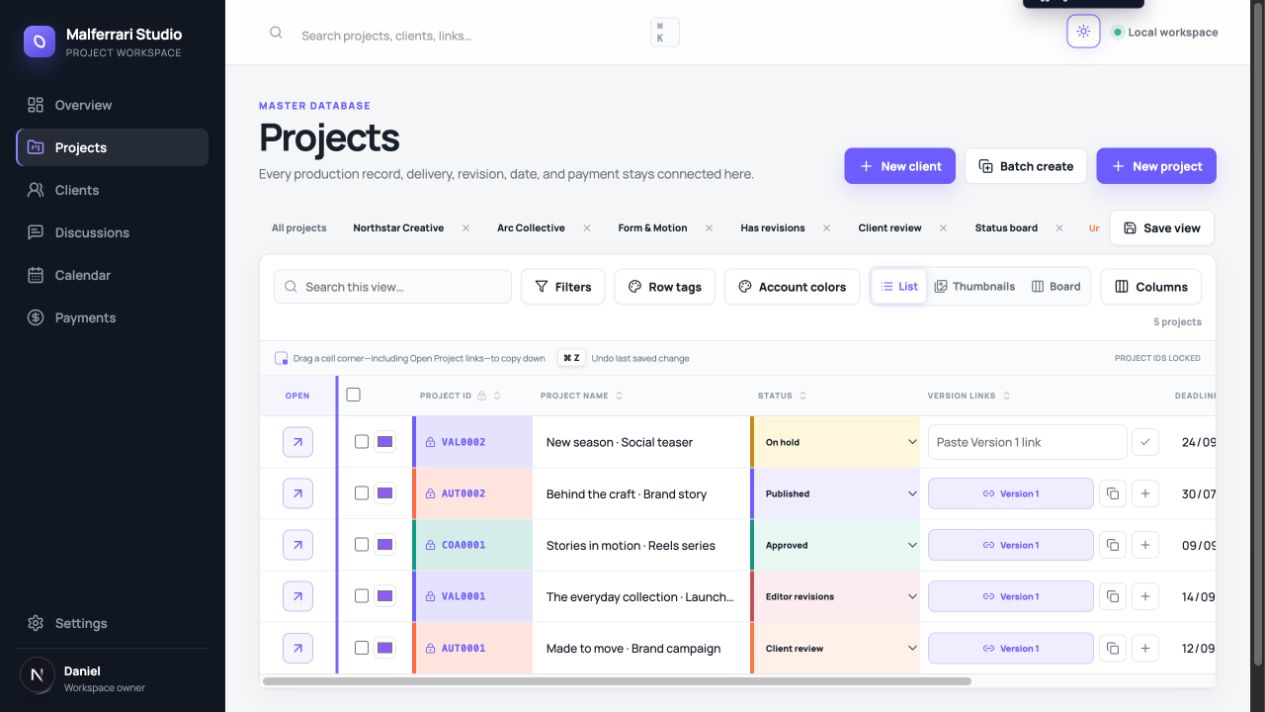
A LITTLE LESS ADMIN. A LOT MORE CLARITY.
DM Studio brings the moving parts of content production into a shared project database. Your team knows what comes next. Your clients know where to find it.
Project details, delivery links, dates, and status live together. Spend less time asking where something is.
Keep revision notes tied to the right version and timestamp. Give your editor a clear next step.
A private workspace where each client can follow their projects, review work, and join the conversation.
FROM “WHERE IS IT?” TO “HERE IT IS.”
Three moments that make a working day feel a little lighter.
Create a project, assign an editor, add deadlines, and choose the publishing platforms. Switch views to see exactly what matters.
MADE FOR YOUR REAL WORKFLOW
Keep your existing media and delivery links. Add the structure around them: owners, versions, revisions, and dates.
“Hold this shot for two more seconds.”
FAQ
Video editors, content studios, agencies, and creative teams working with clients. It is built around the everyday flow of organizing projects, delivering versions, and handling revisions.
No. Add the media and delivery links you already use to each project. DM Studio organizes the workflow around those links; it does not replace your editing software or file storage.
Clients sign in to a private workspace containing the projects shared with their company. They can follow progress and review work without seeing another client’s workspace.
We are opening conversations with teams interested in using DM Studio. Request early access to discuss your workflow. Public self-service subscriptions are not available yet.
Use Client login at the top of this page and sign in with your invited email. Your existing access through the Malferrari website continues to work.Client login
MAKE ROOM FOR THE WORK YOU LOVE
Explore what DM Studio could look like for your team.
Get early accessEarly access by conversation. Tell us a little about your workflow.